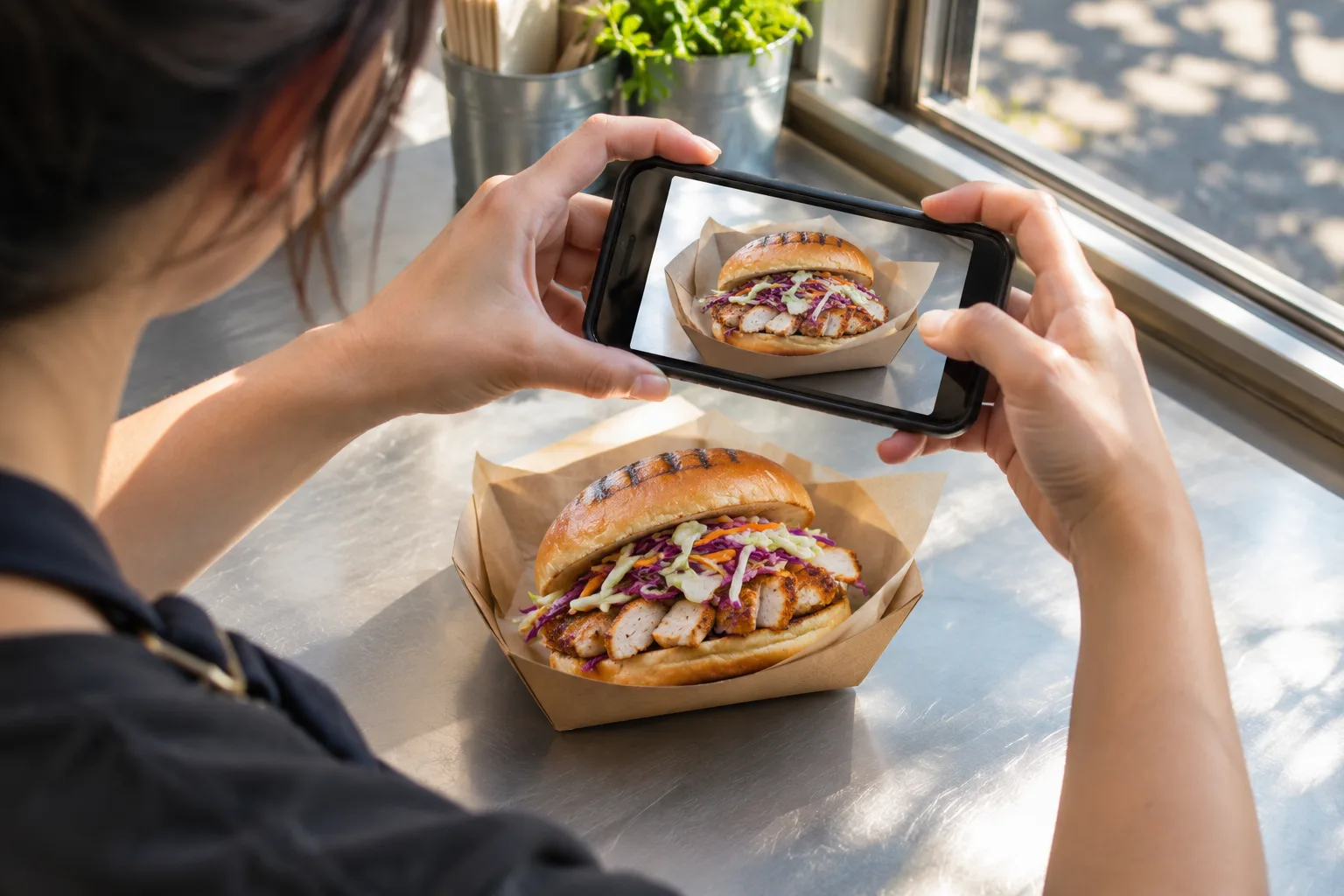
A useful menu photograph shows customers what they will receive. An accurate picture of a hot dog in its normal bun or a coffee in its standard cup helps a customer choose a product without standing at the window.
PHOTOGRAPH THE REAL PORTION
Prepare each item using its standard recipe and serving size. Use the same packaging or presentation that customers will receive. If a pictured topping costs extra, make that clear in the menu description.
FTC advertising guidance calls for truthful, substantiated claims. Apply that principle to the visual presentation as well as the written description. Avoid showing ingredients or portions that differ materially from the actual order.
USE A REPEATABLE SETUP
Choose a clean surface near indirect daylight. Keep the background simple and use similar framing for comparable items. Capture a front or three-quarter view of tall drinks and sandwiches, and a top view when it better explains the contents of a bowl or charcuterie box.
Take photographs outside active service so the photographer does not interfere with food safety or order preparation.
ORGANIZE THE IMAGE LIBRARY
Create a folder for each menu category. Use descriptive filenames such as turkey-sandwich-standard.jpg rather than a sequence of camera numbers. Retain the original photo and make a smaller copy for web use.
Record the menu item, portion, recipe revision and photo date. Replace the image when the presentation changes significantly.
EXAMPLE: A COFFEE MENU
A cart offering twelve drinks might photograph its four most distinctive beverages first, using the actual cups and visible portion sizes. Additional images can be added as products are prepared for a planned shoot. This is an illustrative production approach rather than a required image count.
PHOTO CHECKLIST
- Prepare the actual menu item.
- Check portion and optional extras.
- Use consistent lighting and background.
- Save descriptive filenames and originals.
- Write concise, useful alternative text.
- Review the images on a phone before publishing.
Use photographs you own or have permission to publish, and keep customer faces out of the frame unless appropriate permission has been obtained.