Manage events and catering.
From a wedding grazing table to a corporate coffee service, collect the details, prepare the quote and keep the booking with your business records.
Choose where you
want to serve next.
Browse the shared opportunity board for markets, festivals, fairs and other places to sell. Suggest an event you know about, then use Add to events to bring its details into your own pipeline. Build the service plan and quote from there.
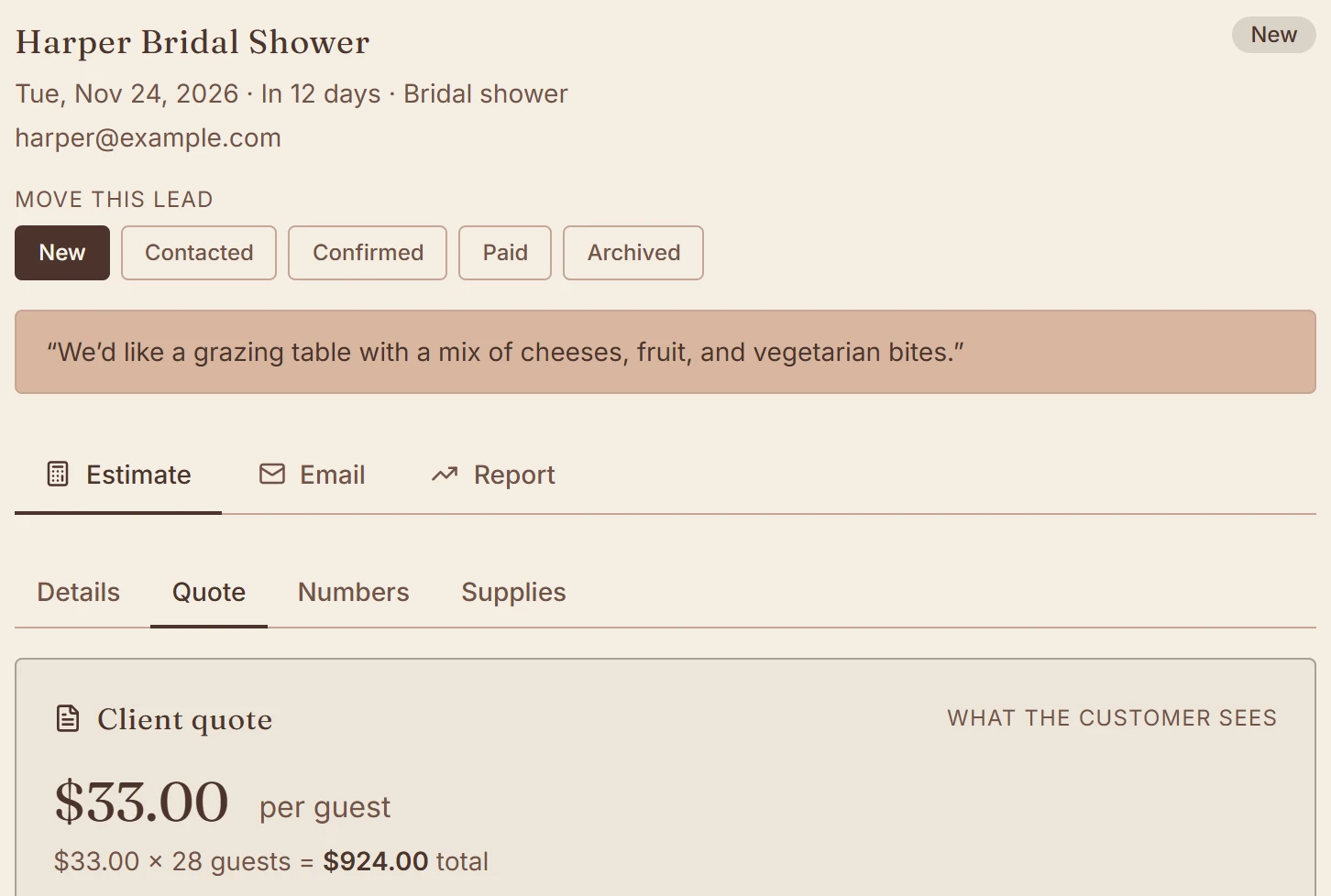
Receive the inquiry
Customers open your booking page and supply the date, guest count and details. The request appears in Events & Leads.
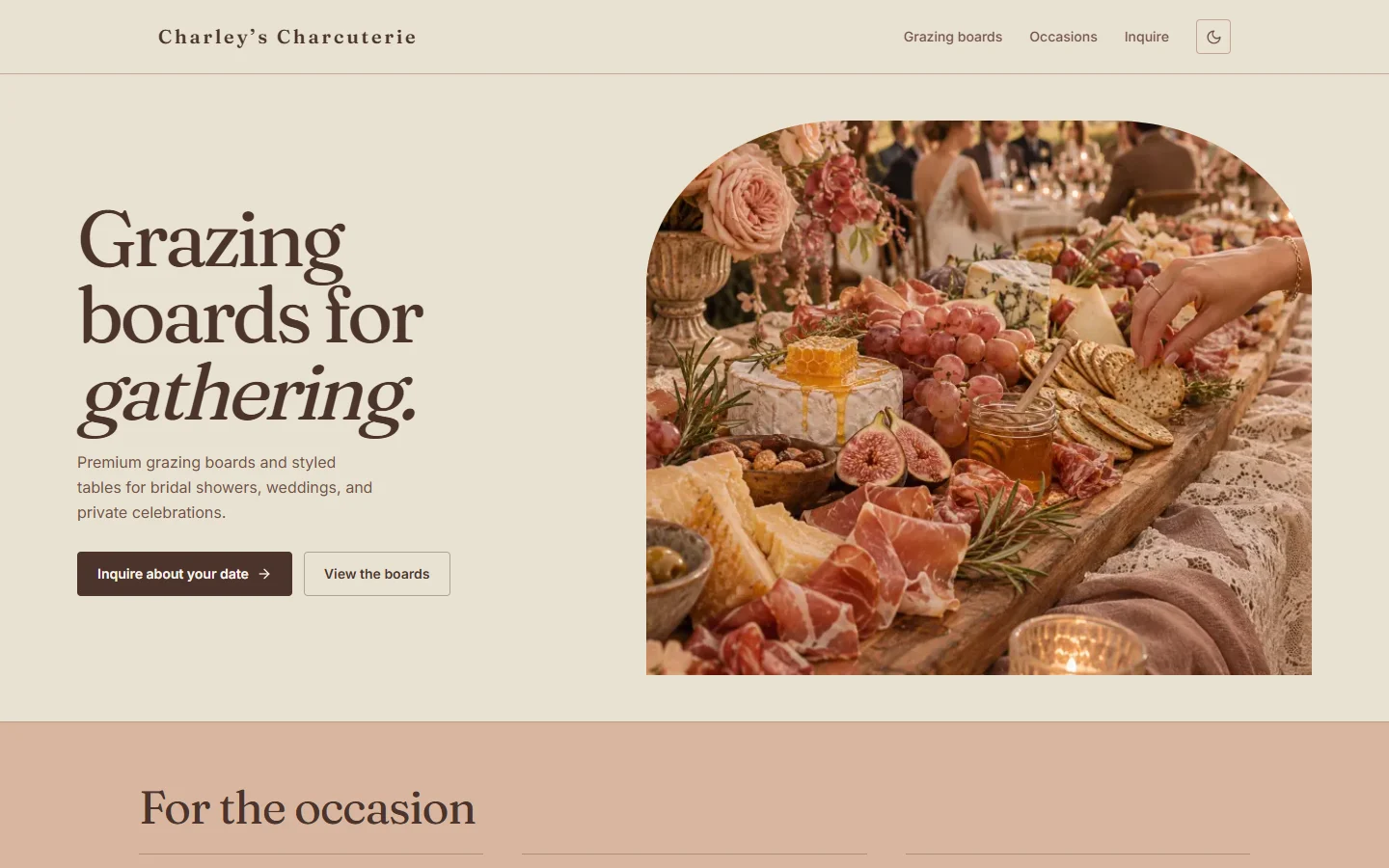
Build an event quote
Build the estimate around supplies, staffing, travel and service time. Keep your costs and the customer price together when you prepare the quote.
Manage the booking
Keep the status and event details together as the booking develops. Prepare branded quotes, confirmations, invoices and receipts from the event workflow.
Review the numbers
Record the costs and revenue for each event. Use the event records to see how the booking performed and plan your next quote.
Give the inquiry
a next step.
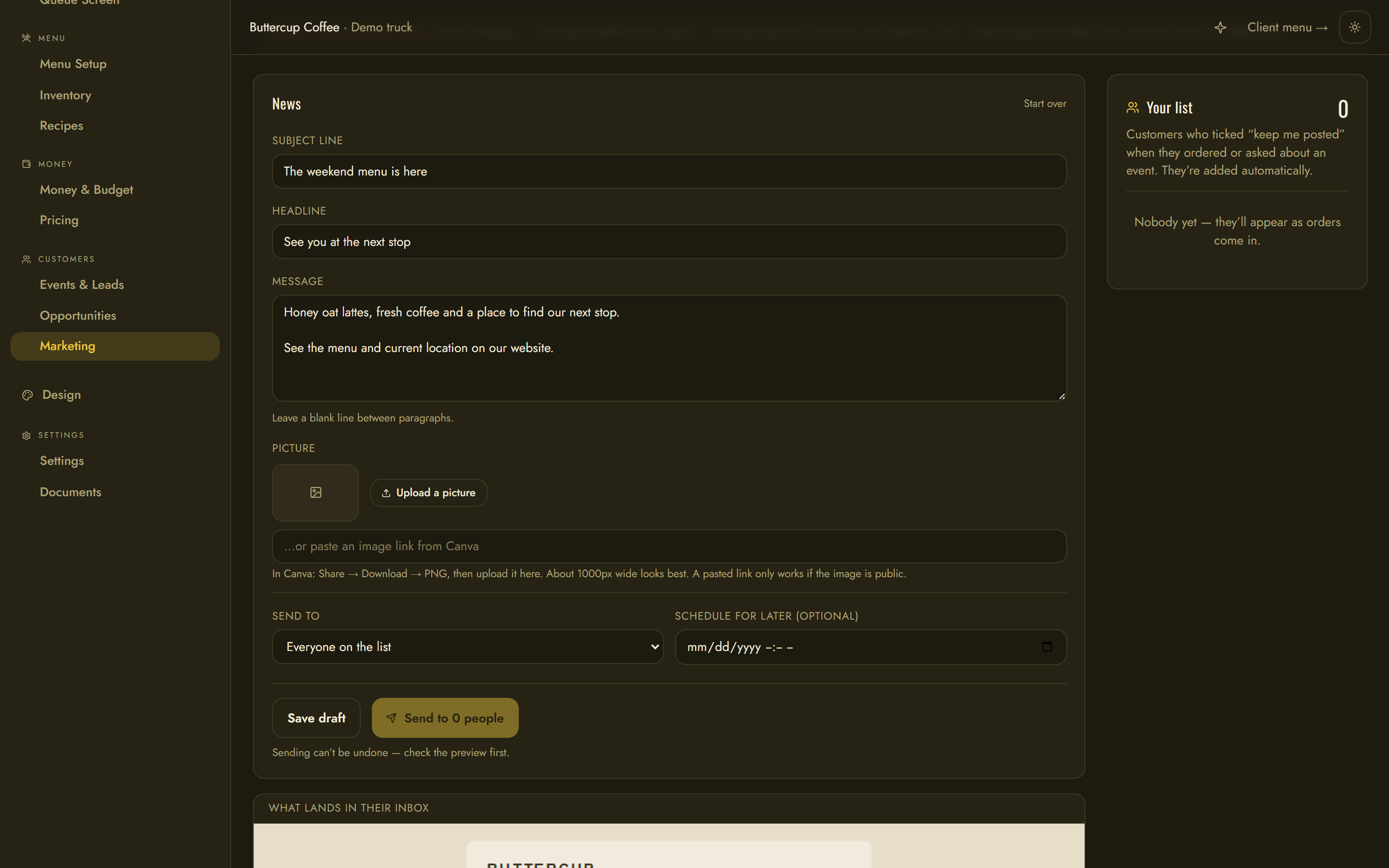
Java’s booking follow-up sends a one-time email to new or contacted leads that have been quiet for three days. With your business Gmail connected, the customer gets a way back to the conversation while the inquiry stays in your event records.
Make it your business.
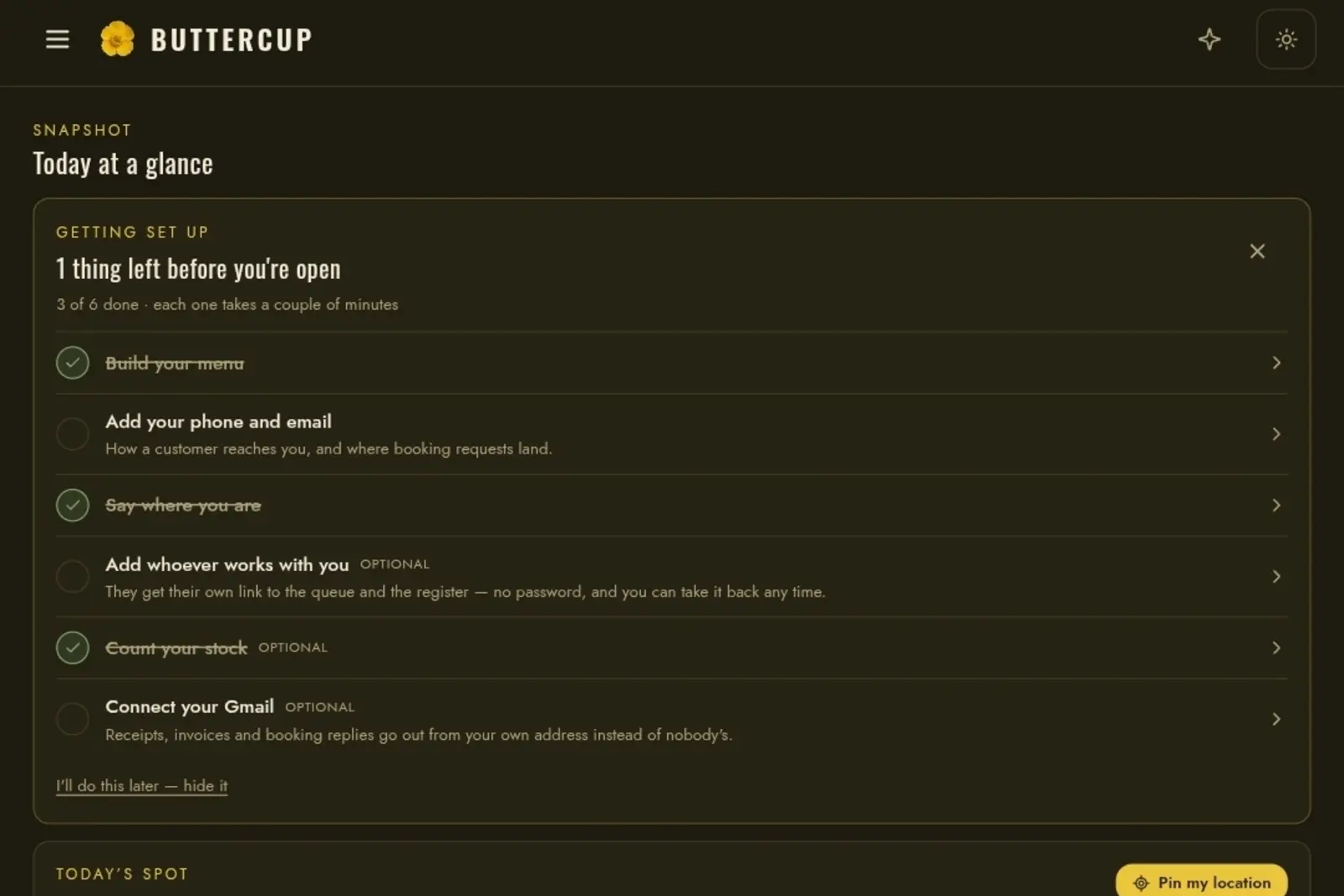
Add your business name, photos and menu. Java works on the laptop, tablet or phone you already use.
14 days free, then $39/month. No setup fee. Cancel anytime.